
This article explains how to send one time commands to a Display from Rise Vision.
List of Commands
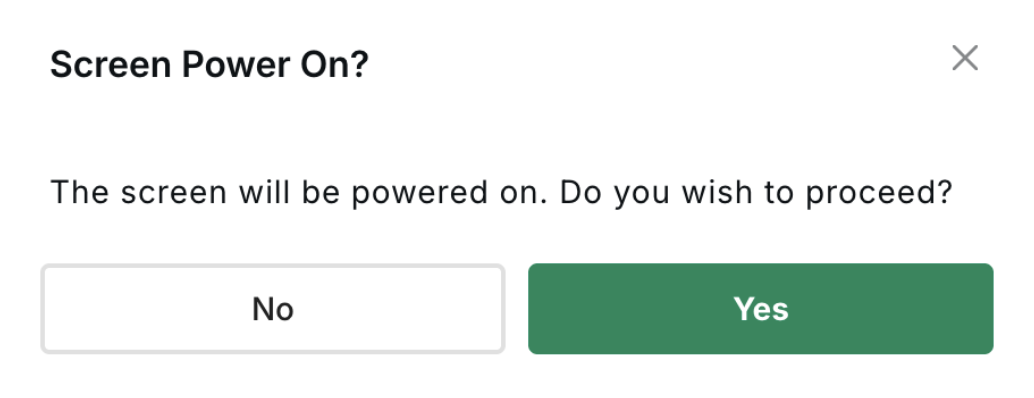
Screen Power On
- Go to the Displays page in Rise Vision.
- Find the LG Display you want to update.
- Click the three horizontal dots to the right of the display name.
- Select Screen Power On.
- Confirm your action in the modal.
 Behavior Notes
- This feature is only available on LG Displays and Chromebox with LG Display